Home>Running Events>Army Run>Why Internet Speed Matters More Than You Think for Runners
Army Run
Why Internet Speed Matters More Than You Think for Runners
Modified: July 29, 2026
Slow internet can wreck your running routine. Learn why a broadband test beats blaming your watch, and how to spot ISP throttling on fitness apps.
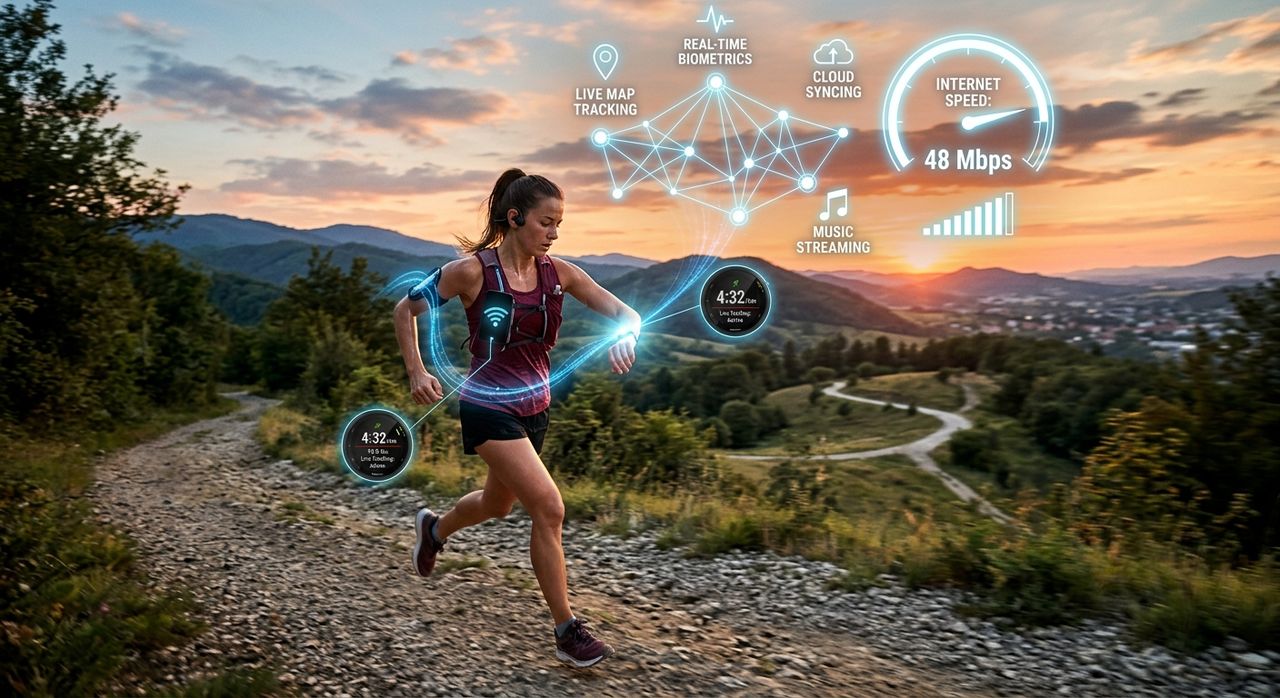
Running used to be the one hobby that needed nothing more than a pair of shoes. Those days are mostly behind us. Today, a solid run involves syncing a GPS watch, uploading a Strava route, streaming a coaching podcast, and maybe joining a live virtual group run with people across the country. All of that depends on one thing you probably never think about when your app freezes: your internet connection.
Key Takeaway:
1. A slow or inconsistent home connection is often the real reason fitness apps stall, syncs fail, and virtual runs drop out.
2. Running a broadband test takes under a minute and tells you exactly what your connection can and cannot handle.
3. Checking your public IP address can reveal whether your ISP is deliberately throttling traffic from fitness-streaming services during peak hours.
Your Running Gear Is Only as Good as Your Connection
GPS watches from Garmin, Polar, Coros, and Apple are impressive pieces of kit. They log every step, calculate your VO2 max, and map your elevation changes with accuracy that would have seemed impossible a decade ago. But when you get home and plug the watch into your computer, or open the companion app on your phone, all of that data needs to go somewhere. It travels through your router, across your ISP’s network, and into the cloud servers that power your training dashboard.
If your connection is slow or unstable, that handoff breaks down. Syncs time out. Routes refuse to upload. Your training summary from yesterday’s tempo run never shows up in the app. Most runners immediately assume the watch is broken, or the app has a bug. Sometimes they’re right. More often, the bottleneck is the last place they’d look: the internet connection sitting quietly in the background.
What Runners Actually Demand from the Internet
It helps to think concretely about the data your running life generates and consumes on a weekly basis.
Uploading a GPS route from a one-hour run involves sending a file that might be anywhere from 500 kilobytes to several megabytes, depending on how granular the tracking data is. That is not a heavy lift for a fast connection, but a sluggish upload speed will make it feel like the app is broken when it actually just has nowhere to go fast enough.
Streaming audio for a coaching podcast is more continuous. It needs a steady 128 to 320 kilobits per second for good quality, without interruptions. Buffering mid-run tip is just annoying. But if you are streaming a video coaching session before a workout, you need significantly more bandwidth, typically 5 to 25 megabits per second for HD video.
Virtual group runs are the most demanding. Apps that host live guided sessions require a consistent, low-latency connection. Latency, the delay between your device sending data and receiving a response, matters as much as raw speed here. A connection with high latency makes the virtual environment feel jerky, or knocks you out of a live session entirely.
Connection Speed vs. What Runners Actually Need
| Activity | Minimum Speed Needed | Ideal Speed | Where It Breaks Down |
|---|---|---|---|
| GPS route upload | 1 Mbps upload | 5+ Mbps upload | Slow upload speeds |
| Coaching podcast stream | 0.5 Mbps download | 2 Mbps download | Unstable connections |
| HD video coaching | 5 Mbps download | 25 Mbps download | Low bandwidth plans |
| Live virtual group run | 10 Mbps / low latency | 25+ Mbps / under 50ms ping | High latency or packet loss |
| Watch firmware update | 2 Mbps download | 10 Mbps download | Intermittent drops |
Test Before You Blame
The single most useful thing you can do when your running app acts up is run a broadband test before assuming anything is wrong with your device. This takes about sixty seconds. It tells you your download speed, your upload speed, and your ping, which is the latency figure that determines how snappy or laggy any real-time connection feels.
Those three numbers give you a diagnostic snapshot. If your download is 4 megabits per second when you are paying for 100, something is wrong upstream. If your upload is nearly zero, no amount of app troubleshooting will fix your Strava syncing problem. If your ping is 200 milliseconds, your virtual running group is going to feel like a slideshow.
Run the test a few times at different points in the day. Internet performance varies, especially in residential areas where many households share the same infrastructure. A connection that feels fine at 9 a.m. might be struggling badly at 7 p.m. when everyone on the street gets home and starts streaming.
Strava, one of the most popular fitness tracking platforms for runners, has grown to over 100 million users. The sheer volume of data moving through the platform means that even a slightly degraded connection can produce syncing errors that look exactly like app bugs on your end. More often than not, the problem is on the connection side.
The ISP Throttling Problem Nobody Talks About
There is a subtler issue that affects runners who stream content from fitness platforms: bandwidth throttling. This is the practice of an internet service provider deliberately slowing traffic from specific services or categories of content, typically during peak usage hours.
Bandwidth throttling is legal in most countries when disclosed in the terms of service, but ISPs rarely advertise when they are doing it. You might find that a live running app works perfectly at 6 a.m. but becomes unwatchable at 7 p.m., even though your overall speed test looks acceptable. That discrepancy is often a sign that your ISP is slowing specific types of traffic, like video streaming or fitness app content, rather than reducing all traffic equally.
Here is where an IP address lookup becomes genuinely useful. Knowing your public IP address lets you understand how your ISP is routing your traffic and helps you compare notes in ISP forums or community discussions where other users on the same network segment are reporting the same slowdowns. Some throttling is IP-specific or region-specific, and identifying your public address is the first step in determining whether you are caught in a throttling zone.
If you suspect throttling, run your broadband test once without a VPN and once through a VPN connection. If your speeds are dramatically better through the VPN, that is strong evidence your ISP is shaping traffic based on type rather than your overall data usage. Many runners report exactly this pattern, and the fix is often as simple as switching plans or calling your ISP to complain with data in hand.
What a Good Running Connection Actually Looks Like
For a runner who uses their connection primarily for watch syncing, podcast streaming, and occasional virtual runs, you want a minimum of 25 megabits per second download and 5 megabits per second upload. Latency should sit under 50 milliseconds for live sessions to feel smooth.
If you are on a fiber connection in a newer neighborhood, you likely have more than enough capacity. The issue is more often consistency than peak speed. A connection that delivers 200 megabits per second most of the time but drops to 2 megabits per second during evening hours is not a good running connection, because most runners train in the morning or evening, exactly when network congestion peaks.
Pay attention to upload speed specifically. Most marketing around internet plans emphasizes download speed, because download matters for streaming video and browsing. But runners are producers of data as well as consumers. Every route you log, every activity you record, every file you export from your watch goes upstream. Weak upload performance is the single biggest overlooked factor in running app frustration.
Building a More Reliable Setup
If testing reveals your connection is below par, the fix might be simpler than you expect. A good first step is connecting your computer or phone directly to the router via ethernet cable when syncing. Wi-Fi adds variability, and a wired connection removes that variable entirely.
Router placement matters for phone syncing. A router tucked in a closet at the opposite end of the house from where you sit after a run is going to create unnecessary signal degradation. Moving the router, or adding a mesh network node in the room where you train and sync, can make a substantial difference without upgrading your plan.
Timing also helps. If you know your connection degrades between 6 and 9 p.m., schedule your large uploads for the morning. Most GPS watch apps and training platforms allow you to configure automatic syncing, so you can set it and forget it during off-peak hours when bandwidth is plentiful and prices stay the same.
Keep the app troubleshooting steps in reserve for after you have ruled out the network. Uninstalling and reinstalling a perfectly functional app is frustrating and wastes time. The network test takes sixty seconds. Run it first.
When the Connection Becomes Part of Your Training
Running technology has become sophisticated enough that your training plan adapts in real time, your coach analyzes your data remotely, and your virtual training partners push you through intervals from the other side of the world. That kind of integration requires a connection that behaves like infrastructure, not like an optional extra bolted onto your setup.
The next time your Strava upload stalls, your watch refuses to sync, or your live group run kicks you out mid-session, resist the urge to restart the watch or blame the app. Run a connection test first. Sixty seconds of data might save you thirty minutes of pointless troubleshooting and give you something genuinely useful: a clear picture of whether the device is the problem, or the wire connecting it to the rest of the running world.