Home>Running Culture>Culture>How Runners Are Turning Training Miles Into Shareable Content
Culture
How Runners Are Turning Training Miles Into Shareable Content
Published: July 30, 2026
Runners without design skills are creating polished race-recap graphics and motivational posts using AI tools. Here's how to make your miles worth sharing.
You finished a personal best. Your legs ache, your GPS watch is synced, and you have the data to prove it. But when you open Instagram to share the moment, all you have is a blurry post-run selfie and a screenshot of your stats. The result feels flat compared to the polished content flooding your feed. You are not alone. Millions of runners face this exact gap between what they achieved on the road and what they can actually show the world.
Key Takeaway:
1. AI tools let runners create race-recap graphics and motivational cards without any design experience.
2. Specific text prompts can produce custom route maps, podium shots, and branded quote cards in seconds.
3. Slow uploads after a long run are often a connection issue, not an app problem, so checking your speeds first saves real frustration.
Why Runners Struggle to Show Off Their Work
Running is one of the most photogenic sports in theory. Sunrise miles, trail switchbacks, finish-line moments. In practice, capturing any of that well requires a photographer, good lighting, and timing that most solo runners simply do not have.
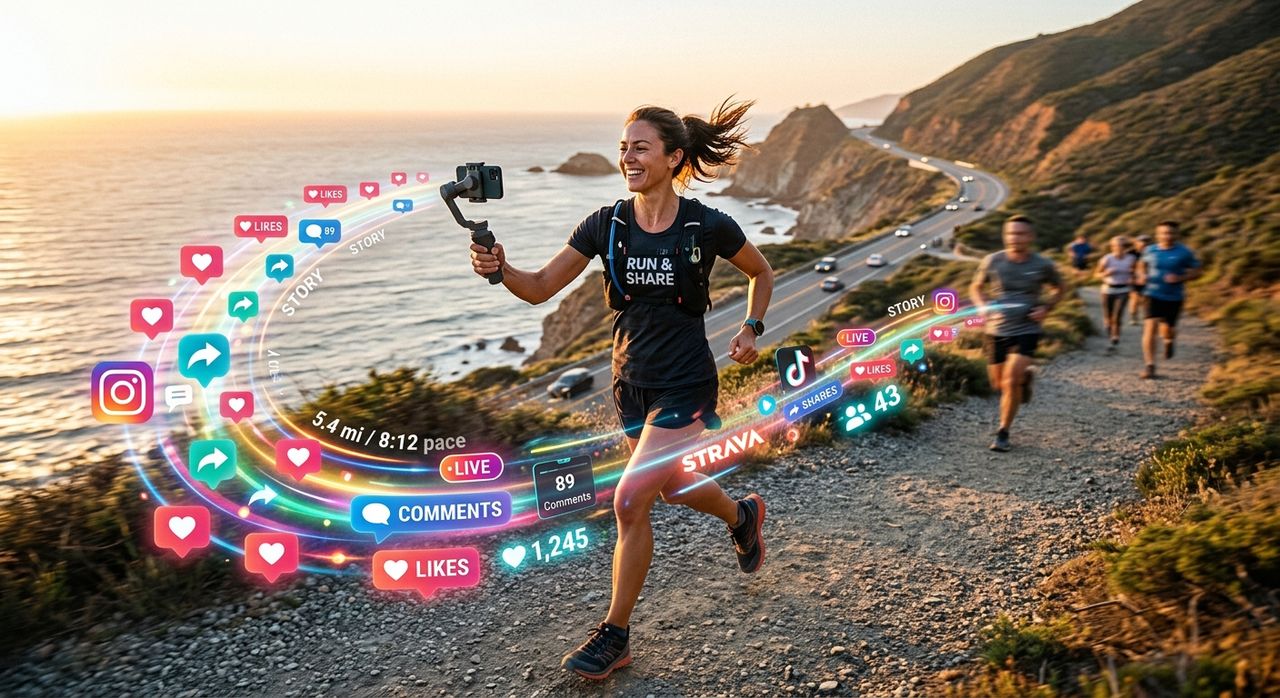
Apps and fitness platforms have made it easier to visualize data. Running tracking platforms let you map your runs, record pace, and share activity summaries with a single tap. But the default share cards are generic. Everyone’s looks the same. The template is the same, the font is the same, and nothing about it tells your story.
That is the gap most runner-creators feel. They have the content in the form of real miles and real effort. What they are missing is the presentation layer.
What an AI Image Generator Actually Does for Runners
An AI image generator takes a text description and produces a visual from scratch. You type something like “a runner crossing a finish line at golden hour, neon bib number, cinematic lighting” and within seconds you have a graphic that looks like it came from a professional photo shoot.
For runners who post content, this is genuinely useful in a few specific ways.
You do not need to know Photoshop. You do not need a good camera. You do not even need to have taken a photo during your run. You describe what you want, and the tool builds it.
Race-Recap Graphics
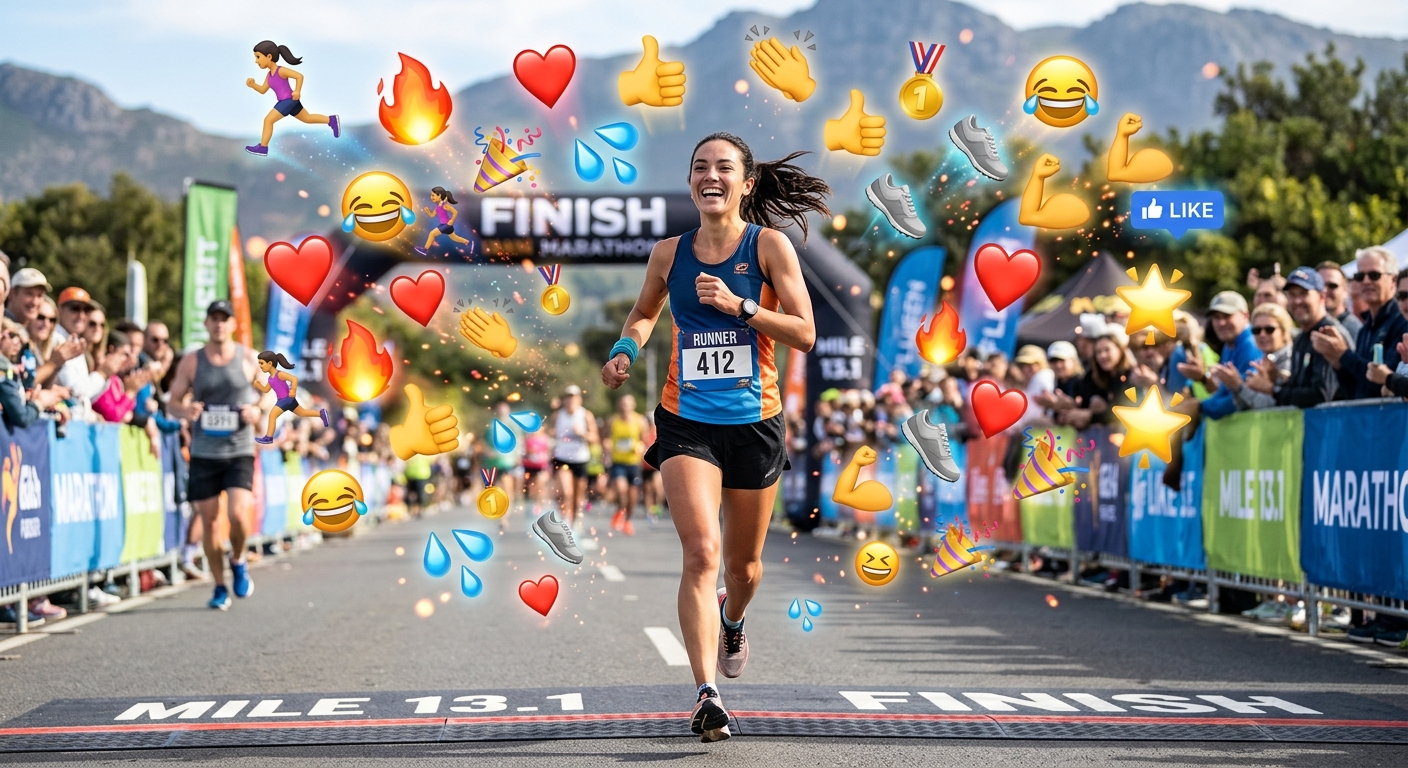
After a big race, most people want to share something that captures the feeling of the day. A screenshot of your finish time does the job technically, but it does not capture the atmosphere.
With a text prompt, you can generate a custom graphic that shows a stylized version of the race course, a crowd scene, or a podium moment. Add your finish time as a text overlay using any free editing app and you have something that actually stands out in a crowded feed.
Motivational Quote Cards
Every runner has a phrase that carries them through a hard training block. “Run the mile you are in.” “The body achieves what the mind believes.” Turning those phrases into clean, shareable cards used to require design software skills or hiring someone who had them. Now you describe the mood and visual style you want, generate the background image, and pair it with your text. The whole process takes a few minutes.
Custom Route Maps
One of the more creative uses is generating artistic versions of your GPS route. You can describe a bird’s-eye view of a city with a highlighted running path, stylized to look like a vintage map or a neon grid. Pair that with your mileage stats and you have a piece of content that is completely original and tied to a real experience.
How to Write a Prompt That Gets Good Results
The output quality depends heavily on how you write the prompt. Vague prompts produce vague images. Specific prompts produce something usable.
Here are the elements that consistently improve results:
- Subject: What is actually in the image? (“a lone runner on a foggy mountain trail”)
- Lighting: What time of day and mood? (“early morning, soft golden light, low mist”)
- Style: Photo-realistic, illustrated, vintage, minimalist?
- Color palette: Warm tones, cool blues, high contrast, muted earth tones?
- Details: Anything specific to your look, like a signature color or a recurring visual element?
The more specific you are, the closer the output lands to what you actually need. Treat the first result as a draft. Adjust one or two elements in the prompt and regenerate until it fits. Most people land on something they love within three attempts.
Matching Your Visual Style Across Platforms
Consistency matters for anyone building an audience, even a small one. If your feed uses cool-toned images with clean white space, your AI-generated graphics should match that same palette.
Decide on two or three things that define your visual identity. Maybe it is always a dark background with bright accent colors, or always a watercolor aesthetic with handwritten-style type. Once you lock that in, write it into every prompt and your content starts to feel cohesive rather than random.
Photo-centric social platforms reward accounts that look intentional. Followers notice when a feed has a consistent visual language, and that consistency tends to build trust over time, not because of any algorithm trick, but because it signals that the person behind the account cares about their craft.
The Upload Problem Nobody Talks About
You just finished a long run. You are sweaty and tired and you want to share your newly generated graphic before you lose the momentum. You tap upload and it spins. And spins. And stalls.
Most runners blame the app. The real culprit is usually the connection.
If you are home and on WiFi but uploads keep failing or crawling, run a WiFi test to check your actual speeds before spending twenty minutes troubleshooting the application. A slow or unstable connection will stall any image upload, especially after a long run when your phone has been disconnected or in low-signal mode for an hour. Knowing your actual upload speed takes ten seconds and either confirms the problem or rules it out immediately.
This is a small tip but it saves a lot of frustration. Plenty of runners have deleted and reinstalled apps that were working perfectly fine. The issue was always the connection.
Building a Posting Routine That Sticks
Creating content gets easier when it becomes part of the training routine rather than an afterthought.
A simple workflow looks like this. Finish your run. Sync your data. Write a one-sentence caption while the feelings are still fresh. Then generate your graphic based on that run’s mood and atmosphere. Post it or schedule it for later. The whole process takes under ten minutes once you have your prompt style figured out.
Some runners batch their content on rest days. They generate five or six graphics at once, each tied to a different workout from the week. That approach works well for anyone who finds the post-run creative process disruptive to recovery or who prefers to separate training time from content time.
There is no single right way to build this habit. The key is making the workflow repeatable, so it costs you almost no mental energy to execute.
From Data to Story
Numbers alone rarely connect with people. A 5:47 per kilometer average pace means something to other runners, but an image of a runner grinding through a wet trail at 6 AM with the caption “mile 18 of 22 and this is all I had left” connects with almost everyone.
AI-generated visuals help bridge that gap. They let you take the data, the distance, the split times, the elevation gain, and wrap it in an image that tells a story. The story is what people share. The story is what people comment on. The data gives it credibility. The image gives it feeling.
What These Miles Actually Deserve
Running is hard. Every mile you log is a decision to get up, get out, and do the work regardless of weather, mood, or schedule. That is worth documenting well. Not because you need followers or brand deals, but because looking back at a year of consistent content is its own kind of record. A visual training log that captures not just what you ran but how it felt and why it mattered.
The tools to do this well now exist, and they do not require design training or a professional camera setup. A well-written text prompt, a consistent visual style, and a stable connection are genuinely all you need to turn your training miles into content worth sharing with the world.