
Home>Guides and Tips>How Runners Can Share Race Day Photos Without Eating up Storage
Guides and Tips
How Runners Can Share Race Day Photos Without Eating up Storage
Published: August 15, 2026
Runners end up with 4–6 MB camera files that slow uploads and hurt quality on Instagram and Strava. Here's the two-step fix.
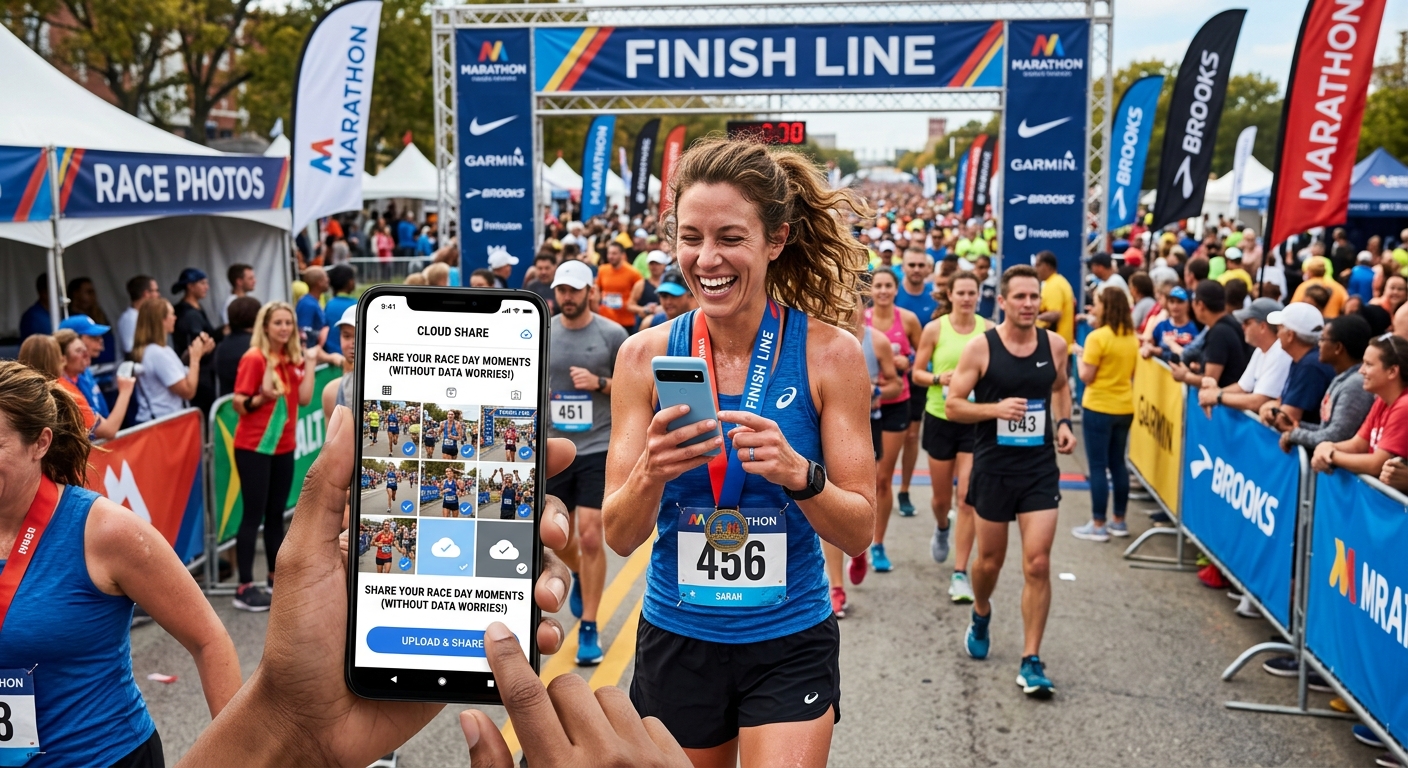
You cross the finish line, someone snaps the perfect shot, and within minutes it hits your camera roll at a whopping 5.8 MB. You upload it to Instagram, wait an uncomfortably long time for the progress bar to crawl, and then notice the posted version looks softer than what you sent. Sound familiar? Most runners who document their training and races face this exact frustration, and it has nothing to do with their phone camera being bad. It has everything to do with file size and platform behavior.
Key Takeaway: Smartphone cameras now produce files between 4 and 6 MB by default, which creates real problems for runners sharing race photos on Instagram and Strava. Large files upload slowly, trigger platform compression algorithms that reduce visible quality, and pile up on your phone. A two-step fix, compress the file first, then match the pixel dimensions to each platform, keeps your finish-line shots sharp and your storage breathing.
Why Your Phone Camera Is Working Against You
Modern smartphone cameras are genuinely impressive pieces of engineering. The sensors capture enormous amounts of detail, and manufacturers keep pushing resolution higher with every release. That is great for printing poster-size race bibs on your wall, but it is overkill for a 1080-pixel-wide Instagram post.
The JPEG format, which most phones default to for photos, stores image data using a compression algorithm that balances file size against visible quality. When your phone’s camera app is set to maximum quality, it leans heavily toward preserving every pixel, which pushes files into the 4 to 6 MB range without effort. For a photo you want to share with your running community in the next five minutes, that file weight is a liability.
Storage is the obvious problem. If you run four or five events a year and someone photographs you at each one, you are adding 30 to 50 MB to your camera roll from race photos alone, before you count the mid-race shots, warm-up selfies, and medal close-ups. On a phone with 64 GB of space and a running app, music library, and GPS data already chewing through it, that adds up fast.
What Heavy Files Do to Upload Speed and Quality
Here is where it gets counterintuitive. You might assume that sending a higher-quality file means better results on the other end. On most social platforms, the opposite is true.
Instagram, Strava, and similar apps have file size limits and their own re-compression pipelines. When you upload a 5 MB photo, the platform does not just display it. It runs the file through its own algorithm to generate multiple scaled versions for different screen sizes and connection speeds. That re-compression step is where visible quality degrades, because the platform is making its own decisions about what to cut, and those decisions are not always aligned with what looks good in your specific photo.
The practical result is that a heavily compressed upload can actually look sharper on Instagram than the raw camera file, because you controlled the compression step instead of handing it off to an algorithm optimizing for server storage costs.
Upload speed is the other factor runners underestimate. You are usually trying to post right after a race, standing outside, on a crowded event network or a weak cell signal. A 5 MB file on a slow connection can take 30 to 90 seconds to upload, long enough to give up and try again, which sometimes creates duplicates or failed posts.
The Two-Step Workflow That Actually Works
The fix is simple and takes about 30 seconds once you have it set up. It comes down to compression first, then sizing.
Compression means reducing the file size without visibly reducing image quality. This is not the same as shrinking the photo’s dimensions. A well-compressed image at the same pixel count can go from 5 MB down to under 500 KB with no perceptible loss to the human eye. For finish-line shots specifically, race photo compression handles that reduction before you post, giving you control over the quality trade-off instead of leaving it to Instagram’s server.
Sizing means matching the pixel dimensions of your export to what the platform actually displays. Sending a 4000 by 3000 pixel image to a platform that displays it at 1080 by 1080 means you are uploading three times more data than necessary. The platform scales it down anyway, and in doing so, applies its own compression. You have already lost the size battle before the photo even reaches your followers.
What Each Platform Actually Wants
Pixel dimension requirements differ by platform, and knowing them removes a lot of guesswork. Rather than memorizing numbers, a reference for social media dimensions covers the current specs for each major platform in one place, which matters because these numbers do change when platforms update their display layouts.
A few practical points worth knowing:
- Instagram’s square format tops out at 1080 by 1080 pixels, and its portrait format, which tends to take up more feed real estate on mobile, works best at 1080 by 1350 pixels.
- Strava displays activity photos at a fixed width, so sending a massive landscape file does not add visible quality, it just extends your upload time.
- Story formats across Instagram and similar platforms favor a 9:16 vertical ratio, meaning landscape race shots often get cropped in ways you did not intend.
Matching your export to those dimensions before uploading means the platform has less work to do, your upload is faster, and the resulting post matches what you actually intended to share.
The Storage Side of the Equation
Once you start compressing and sizing before you post, something else happens: your camera roll stops feeling like a liability. Keeping a compressed copy of your social-ready photos separate from the originals lets you archive the originals at full quality without them clogging your active storage.
This matters more for runners who also use their phones for GPS tracking. Running apps like Strava and Garmin Connect store local route data, and fitness tracking apps accumulate significant background data over months. Photos are often the single largest category of storage use on a runner’s phone, so reducing average photo file size has an outsized impact on how quickly the phone fills up.
The JPEG compression standard was designed with exactly this trade-off in mind: the format allows for a wide range of quality settings, from near-lossless to heavily compressed, and the perceptual difference between a high-quality JPEG and a maximum-quality JPEG is negligible on a phone screen. Most runners are leaving significant storage on the table by treating the camera’s default output as the final file.
Habits That Keep Your Feed Sharp All Season
Building a consistent pre-post routine removes the friction from every future upload. Here is what that looks like in practice:
- Download your race photos to your phone, run them through compression, and save the smaller versions to a dedicated album labeled something like “Post-Ready” so you always know which file to share.
- Before a major race, check the dimensions for the platform you post on most, and set your compression tool’s export size to match, so the file is post-ready as soon as compression finishes.
Neither step requires technical skill or specialized software knowledge. The compress-then-size workflow is as repeatable as charging your GPS watch the night before a race. Do it once, get comfortable with the steps, and it becomes automatic.
Your Finish-Line Shots Deserve Better Than a Server Algorithm
You trained for that race. You crossed that finish line. The photo capturing that moment should look the way you remember it, not the way Instagram’s compression pipeline decided it should look on a Tuesday afternoon.
Taking two minutes before you post to compress your files and match your export dimensions to the platform is the lowest-effort, highest-impact edit most runners never think to make. Your uploads will be faster, your posts will look sharper, and your phone will stop running out of space three weeks before your next event.
The camera does its job. Now do yours before you hit share.